Having no invitations does not mean something is wrong with your account. Most Shortcut campaigns arrive as a direct invitation from a brand, when it launches a campaign that fits your profile.
Invitations come more often when your profile is complete, your TikTok account is connected and has public posts, and your campaign record is good. This article explains each condition and what to do about it.
What do you need to appear in campaign suggestions?
A creator is not shown for any campaign until all of these hold:
- Your account is approved: only approved creators are considered.
- An account on the campaign's platform: you need an account on the platform the campaign runs on. Most campaigns run on TikTok, and without a connected TikTok account Shortcut does not suggest you for new campaigns.
- Public posts: a TikTok account with no public posts is left out of suggestions, because matching is based on reading your content.
- Your rates: a brand can book you directly when you have set a rate for the video type the campaign asks for.
How does Shortcut pick the right creators for a campaign?
When a brand looks for creators for its campaign, ShortcutAI, the platform's AI assistant, compares the campaign brief with what you post on TikTok: the topics of your posts, what you say in your videos, and your niches and traits. It then ranks creators by how close they are to the brief.
Your “Creator DNA” reads your TikTok content and describes your niches, style and dialect. The more accurate it is, the closer your campaigns are to what you make. See your Creator DNA.
The ranking also weighs your account's engagement rate, how well your rate fits the campaign budget, and your “Overall rating”, which sums up your record in past campaigns.
What does the brand choose when it searches?
- Mawthooq licence: you need a valid Mawthooq licence to publish ads in Saudi Arabia. A brand can show licensed creators only, which leaves out anyone who has not added a licence.
- Your city: a brand may ask for creators in certain cities or regions, and your city and coverage areas count.
- Other preferences, such as gender, follower count, engagement rate and niches.
- Track record: a brand can filter creators by their rating. See how your rating is calculated.
How to be picked more often
- Complete your profile in “Account”, then “Profile”: address, coverage areas, licences, campaign preferences and social accounts. “Home” shows what your profile is missing. See completing your profile.
- Add your Mawthooq licence certificate, as described in Do I need a Mawthooq licence? How do I add it?.
- Connect TikTok, as described in connecting your TikTok account, and make sure it has public posts.
- Set a rate for each video type you accept, as described in setting your rates.
- Add your accounts on the other platforms you post on.
- Turn on push notifications so invitations reach you when they are sent: each one must be answered within 48 hours.
- Deliver your videos on time and aim for approval on the first take: both raise your “Overall rating”.
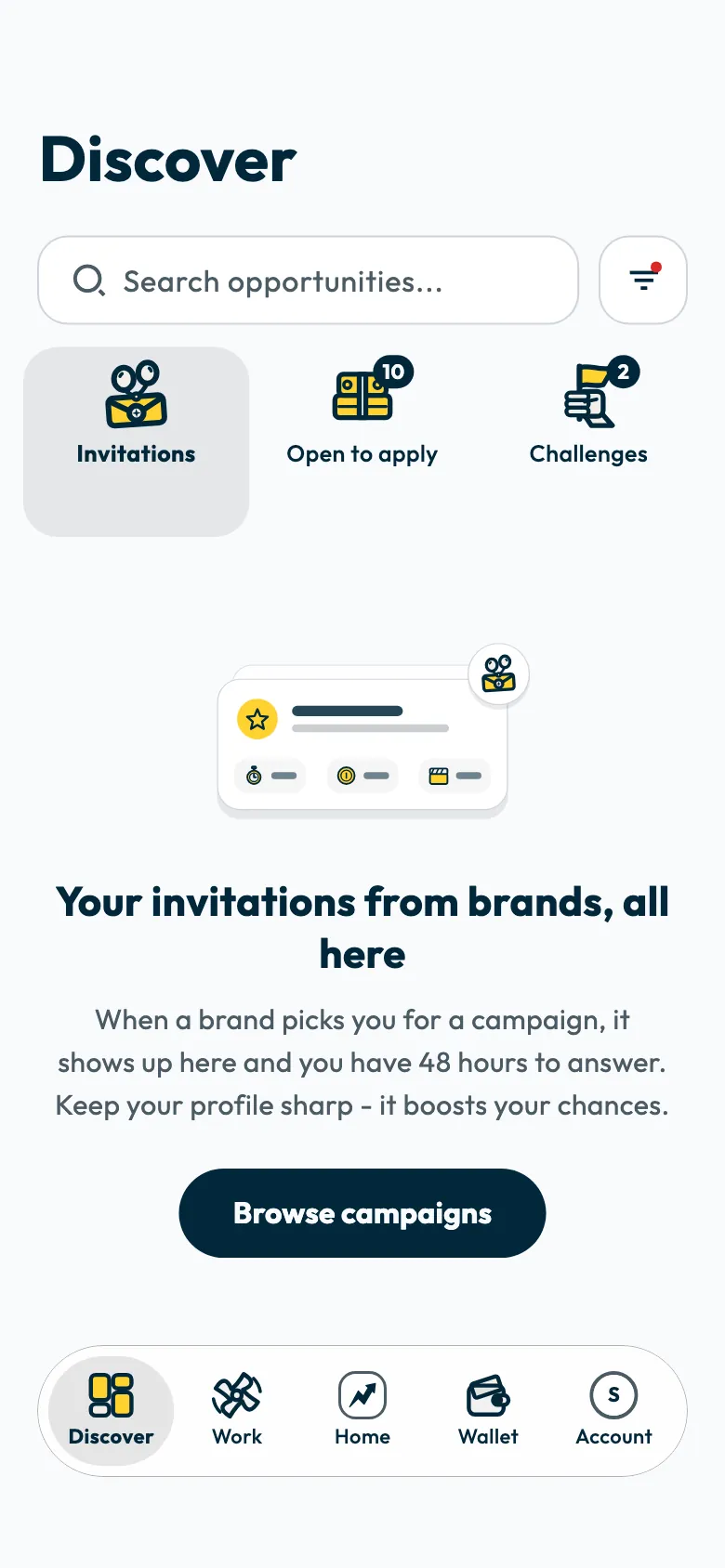
Open “Discover” regularly. Your invitations appear under “Invitations”, and open campaigns under “Open to apply”. You can apply to open campaigns without waiting for an invitation, as described in applying to a campaign.
If your account is under review
No invitations reach you before your account is approved. See When is my Shortcut account approved?.
Common questions
Is a large following enough to get more campaigns?
No. A brand may set a follower range, but the ranking also depends on how close your content is to the brief, on your audience's engagement and on your campaign record.
Why do my TikTok posts need to be public?
ShortcutAI reads your public posts to understand your content and match it with campaigns. With no public posts, your account does not appear in suggestions.
Does declining invitations lower my rating?
Declining does not count towards your “Overall rating”. Decline an invitation that does not suit you, as described in declining an invitation.
Did this article answer your question?
Thank you. We use your answer to improve the article.
Your answer could not be saved. Try again.
Need more help?
Contact our support team, and we will help you with your question.