If the brand ships the product to you, confirm in the app when it arrives. The video does not move on to filming, and its upload does not open, until you confirm.
Why confirm as soon as the product arrives?
The “Video due” date is fixed in the campaign and does not move automatically when a parcel is late. The sooner you confirm, the more time you have to film before the due date.
Delivering the video on time makes up 40% of your “Overall rating”. See how your rating is calculated.
Confirm you received it
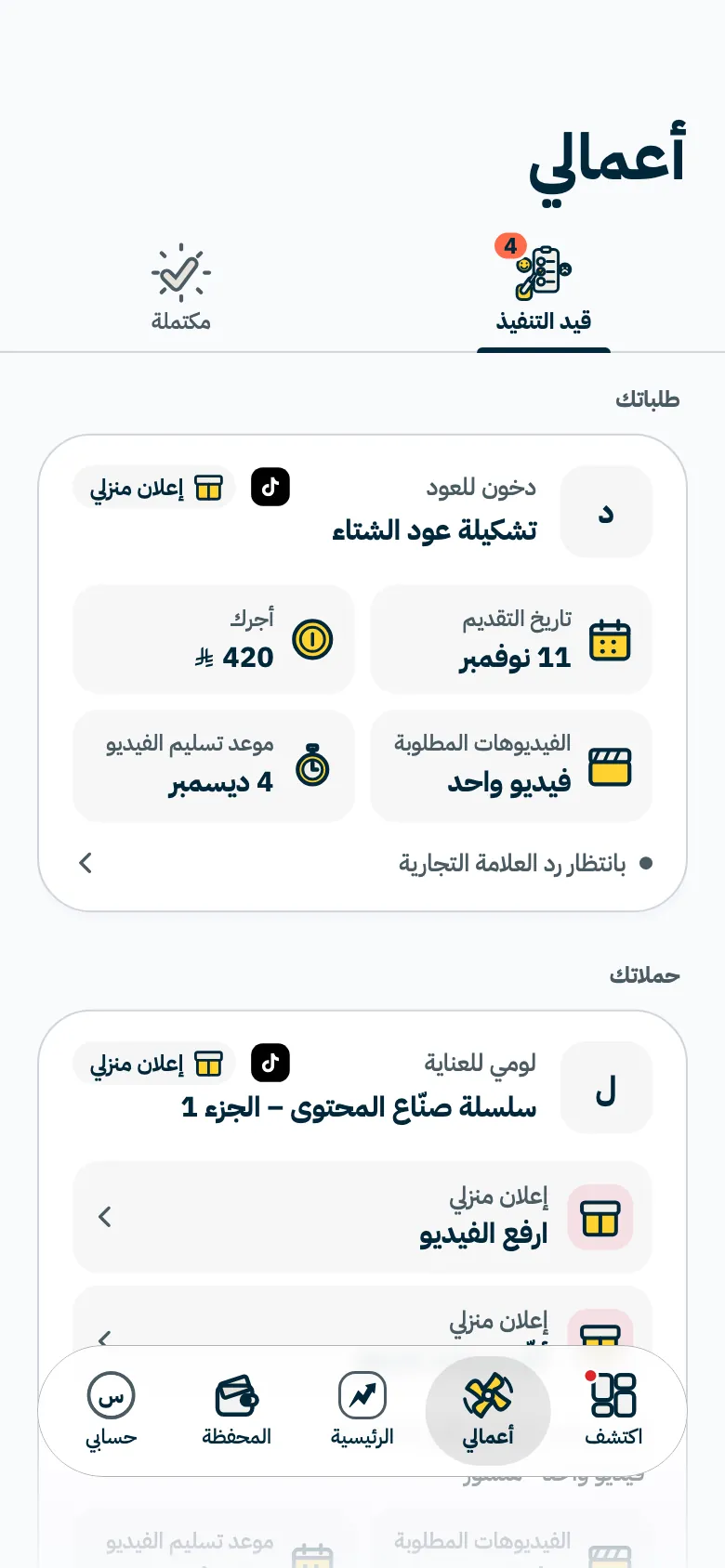
- Open “Work”, then “In progress”.
Tap the video that asks you to confirm you received the product.
- Tap “I received the product”.
A confirmation appears, and the video moves on to filming. Read the script and campaign guidelines before you start, then upload the video when it is ready.
If the product has not arrived
The video page shows the shipping date, the “Expected by” date and a “Track package” link when there is one. If the parcel passes its expected date, the app tells you it is late and asks you to report it. Then:
- Tap “It hasn't arrived” on the video page.
- The “Tell us it hasn't arrived?” sheet appears. Tap “Yes, report it” to confirm.
A confirmation appears, and your report shows to the brand on its campaign page with its date. When the product reaches you, tap “I received the product”.
Check your address
The brand ships to the address saved on your profile, so keep it up to date in “Account”, then “Profile”, then “Address”. See completing your profile.
Common questions
Can I upload the video before confirming?
No. The video upload opens once you confirm you received the product.
When does “It hasn't arrived” show?
It shows while the parcel is on its way. Your first report is kept with its date, so there is no need to repeat it.
Did this article answer your question?
Thank you. We use your answer to improve the article.
Your answer could not be saved. Try again.
Need more help?
Contact our support team, and we will help you with your question.